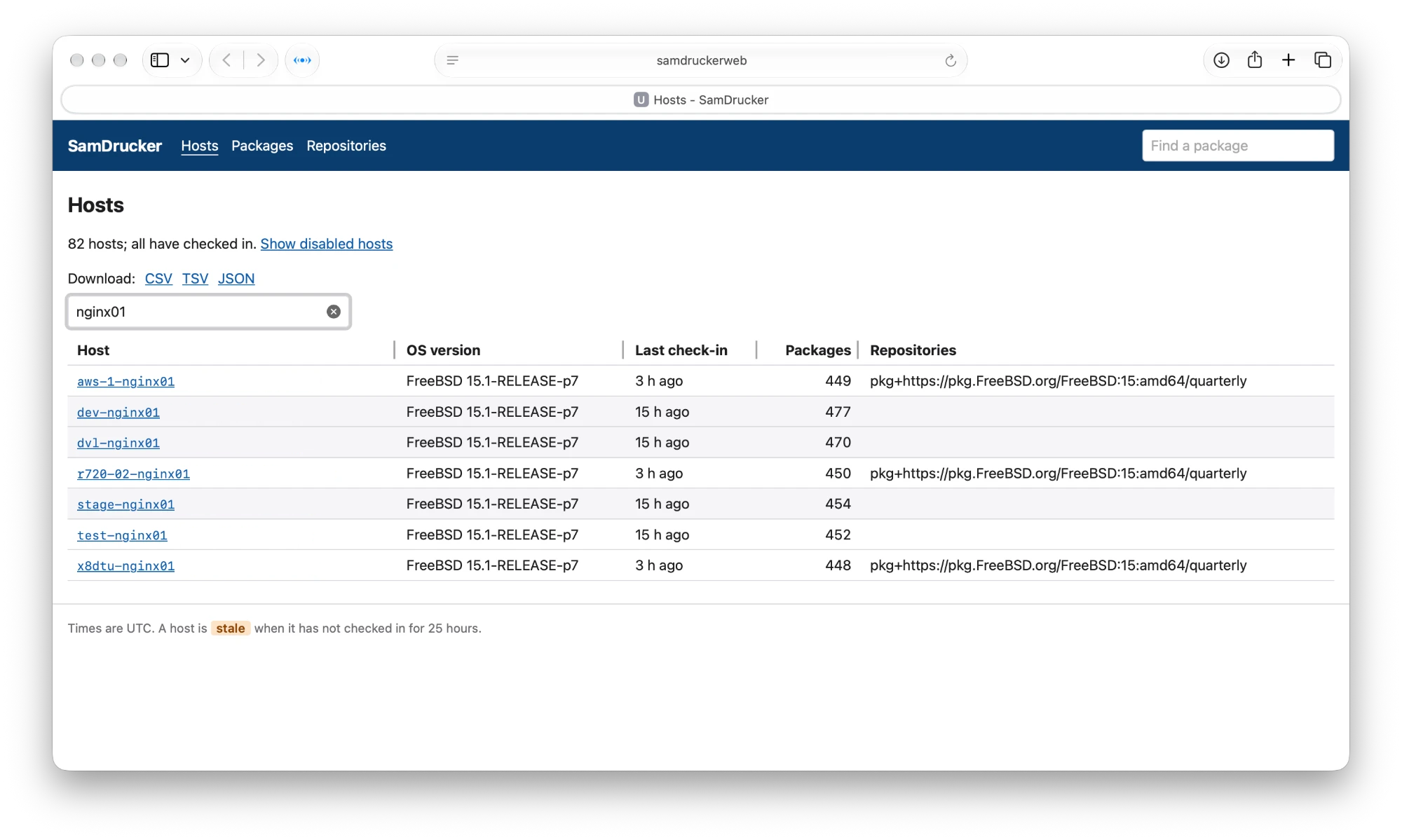
Today brought a security update for nginx: nginx-1.30.7,3. That raises two questions every time: which of my hosts run nginx, and which of them need the update? I have a lot of hosts. Until today, answering meant logging into each one, or a loop of ssh host pkg info nginx. Now I have a better way.
SamDrucker
SamDrucker keeps a central list of every package on every host. Each night, each host sends its package list to a small PHP endpoint, which stores it in PostgreSQL. With 0.3.0 (in beta), it also records which repository each package came from, which matters now that pkgbase means a host uses several repositories at once. And it has a new read-only website for browsing all that, with every table downloadable as CSV, TSV or JSON.
Which hosts run nginx?
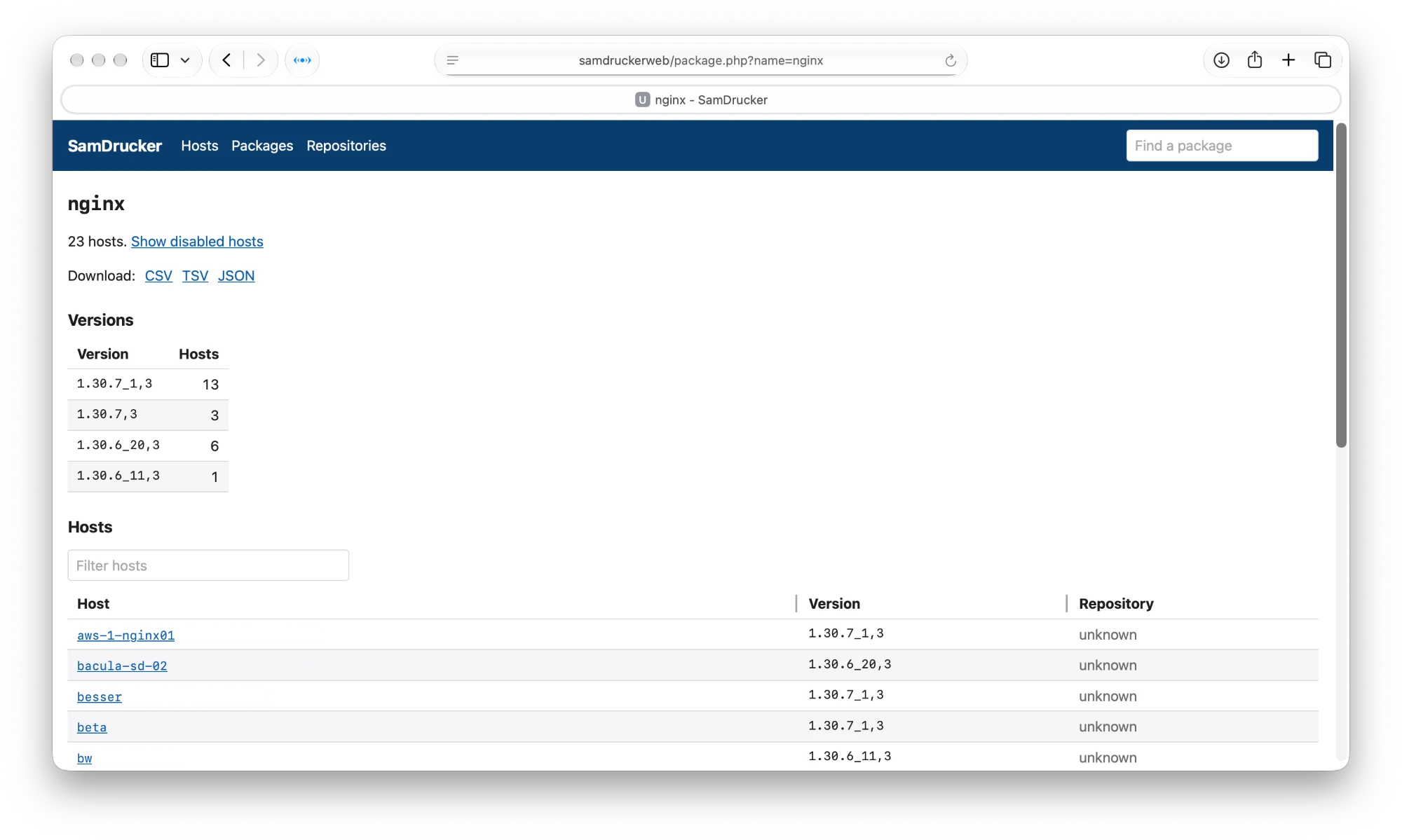
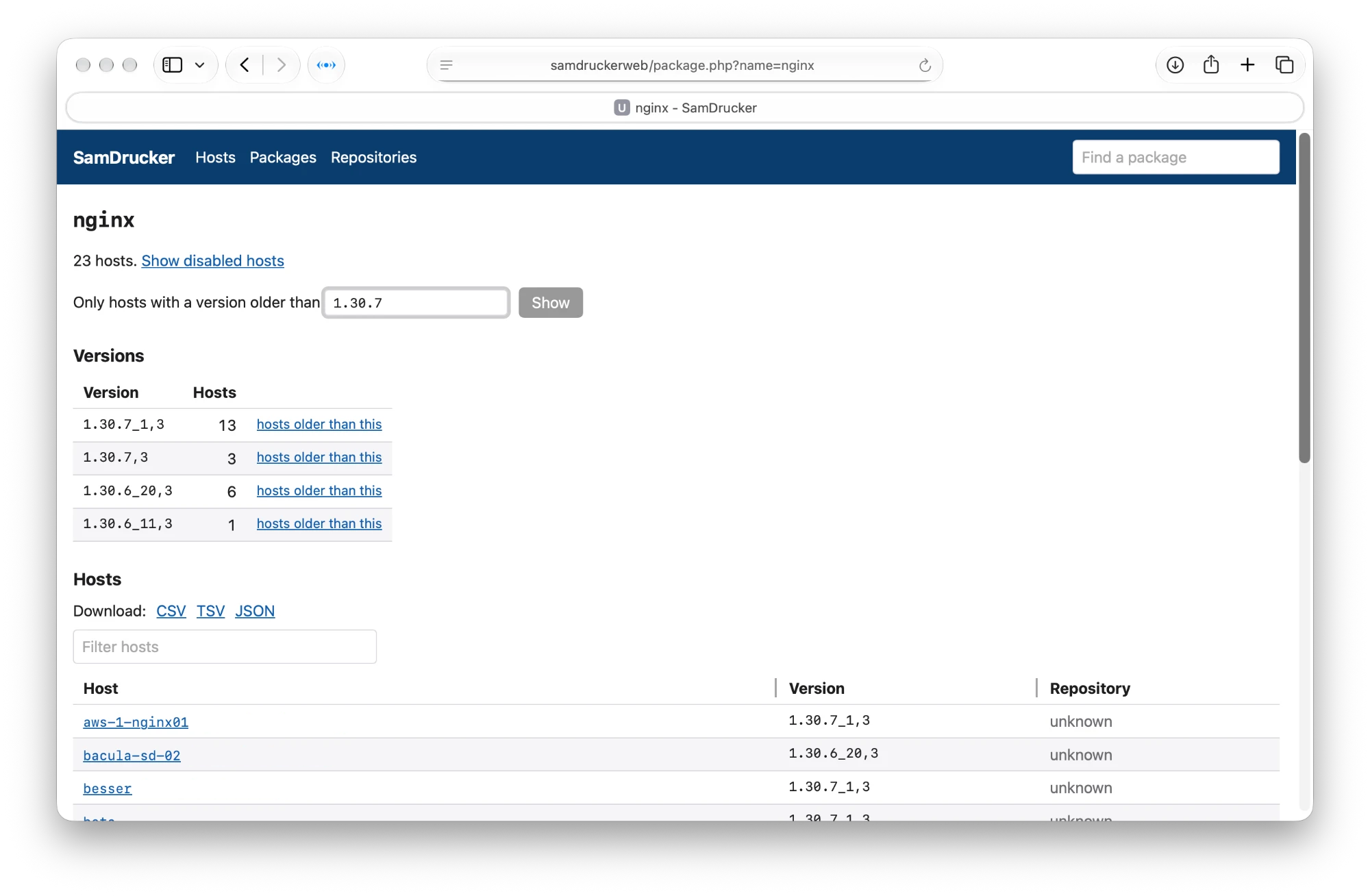
On the website, I type nginx into Find a package, and click nginx in the results. The package page lists every enabled host with nginx installed, which version, and which repository it came from. At the top, it counts hosts per version:
| Version | Hosts |
|---|---|
| 1.30.7_1,3 | 13 |
| 1.30.7,3 | 3 |
| 1.30.6_20,3 | 6 |
| 1.30.6_11,3 | 1 |
Source: the Versions table on the website’s page for nginx, as of 20 November 2026. That’s 23 hosts. Show disabled hosts adds 8 more, retired hosts I keep the data for; I’m not counting those.
Which hosts need the update?
My first thought: download the list, grep out the hosts on 1.30.7,3, and there’s my list. That gives 20 hosts, and it’s wrong.
FreeBSD package versions are more than a version number. In 1.30.7_1,3, the _1 is the port revision: the same nginx 1.30.7, with a later change to the port. The ,3 is the port epoch. So 1.30.7_1,3 is newer than 1.30.7,3, and those 13 hosts already have the fix. What I want is hosts with a version older than 1.30.7,3, and pkg version -t compares two versions the way pkg does:
$ pkg version -t 1.30.7_1,3 1.30.7,3
>
$ pkg version -t 1.30.6_20,3 1.30.7,3
<
So: download the page as TSV, and keep the hosts where pkg says <. The TSV has a header line, then host, host_enabled, package, version, repository, and url, separated by tabs.
$ curl -s -u dan -o nginx.tsv 'https://samdruckerweb.int.unixathome.org/package.php?name=nginx&format=tsv'
Enter host password for user 'dan':
$ awk -F'\t' 'NR > 1 { print $1, $4 }' nginx.tsv | while read host version; do
    [ "$(pkg version -t "$version" 1.30.7,3)" = '<' ] && echo "$host $version"
  done
bacula-sd-02.int.unixathome.org 1.30.6_20,3
bw.cssmpa.net 1.30.6_11,3
fileserver.int.unixathome.org 1.30.6_20,3
git.langille.org 1.30.6_20,3
serpico.int.unixathome.org 1.30.6_20,3
tallboy-mqtt.vpn.unixathome.org 1.30.6_20,3
unifi01.int.unixathome.org 1.30.6_20,3
Seven hosts, not twenty.
How current is this?
The list is only as fresh as each host’s last check-in. Hosts check in nightly, and the website marks any host which has not checked in for 25 hours as stale. All seven of these checked in early this morning, so the list is good. A host upgraded since its last check-in still shows its old version until the next one.
Then
I upgrade those seven. After tonight’s check-ins, the same two commands should print nothing.
Or do it all on the website
The commands above work, but since 0.3.0beta11, the website can do the whole thing, and hand me the file at the end.
- Type nginx into Find a package.
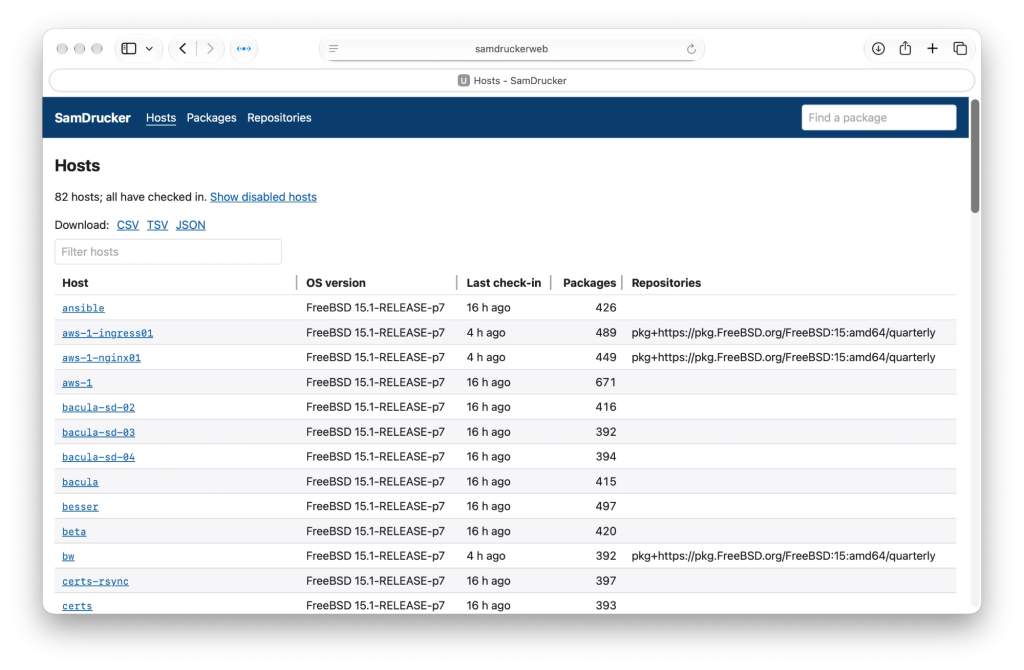
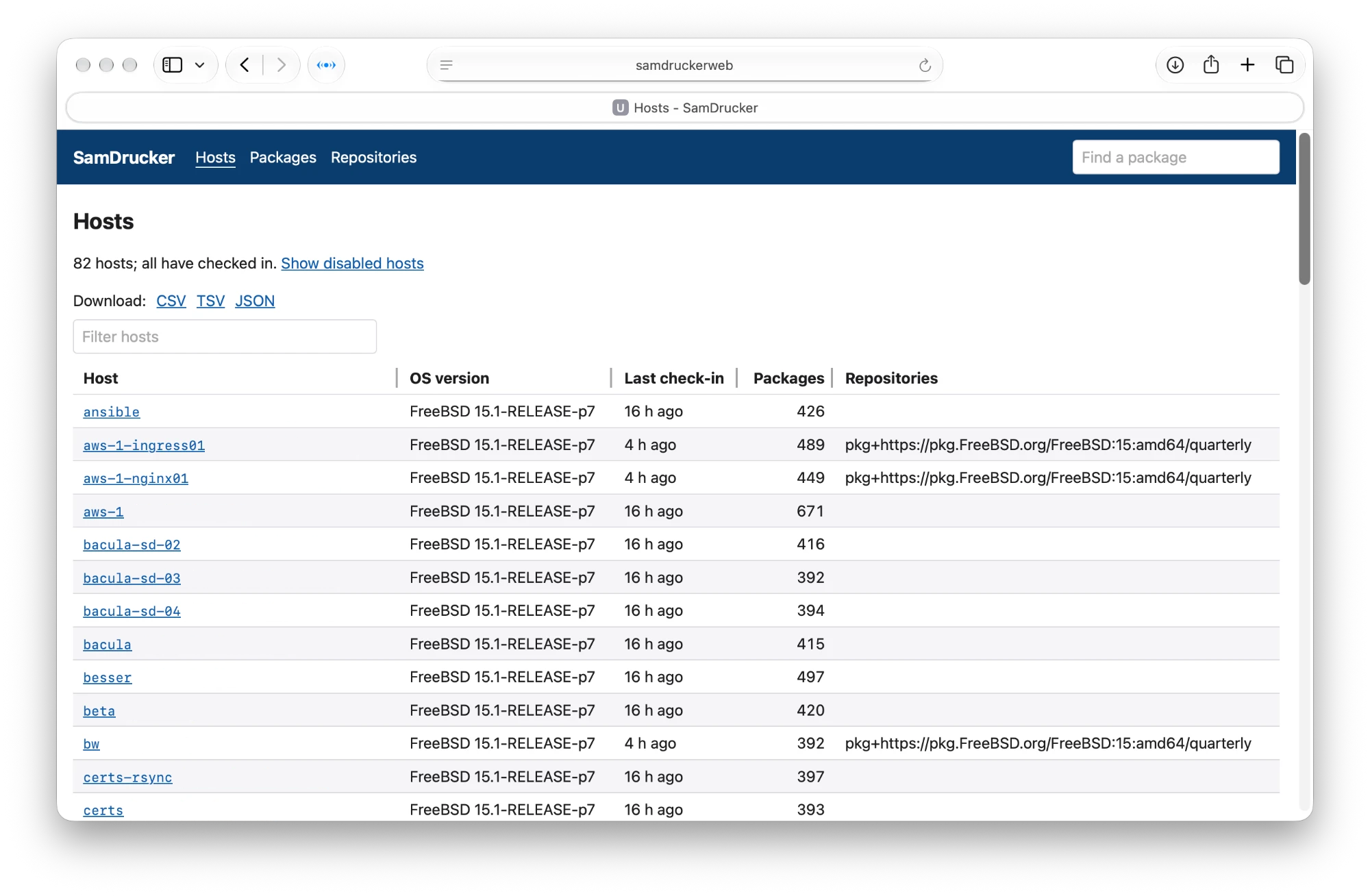
This is the opening page of the website. From here, I typed nginx into the top right search box. Then click nginx in the results.
NOTE: SamDrucker displays FQDN – these images have been modified to display only short names.
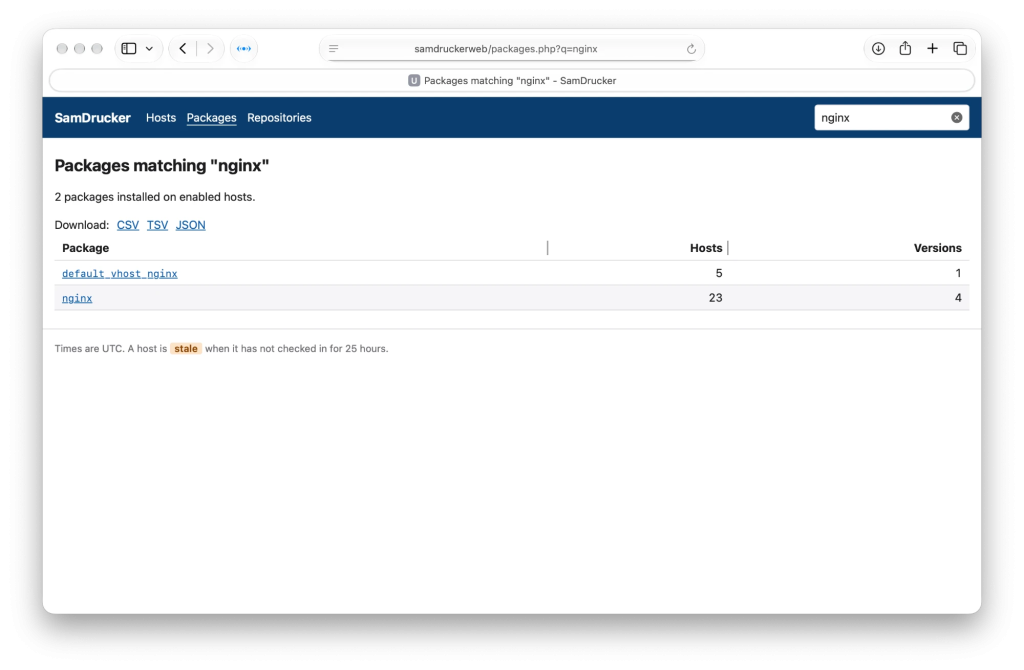
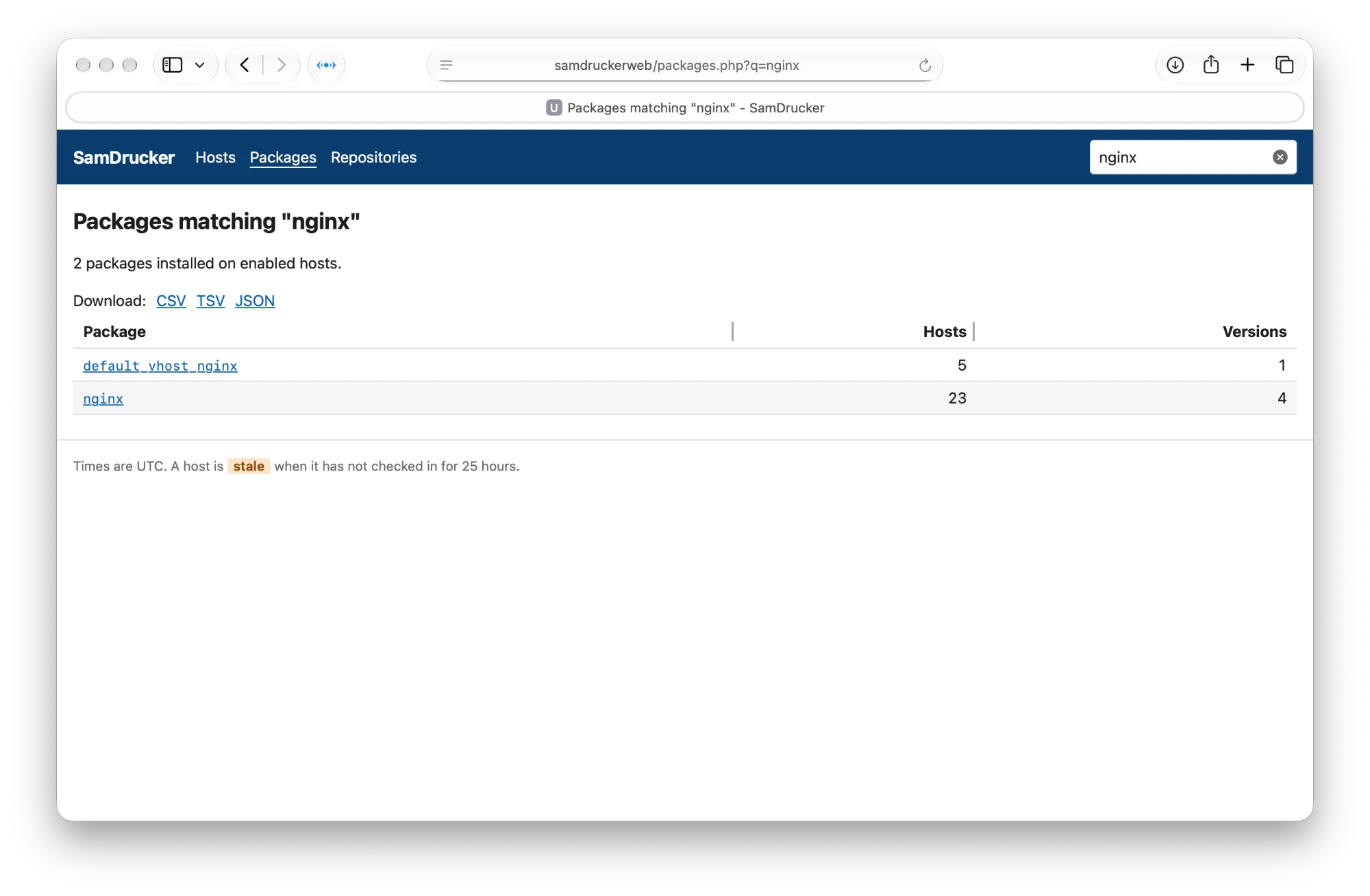
This is the list of matching packages. I clicked on nginx. - In the Versions table, click hosts older than this on the 1.30.7,3 row. If no host has the fixed version yet, type it into the Only hosts with a version older than box instead and click Show. That’s what I did here. I typed
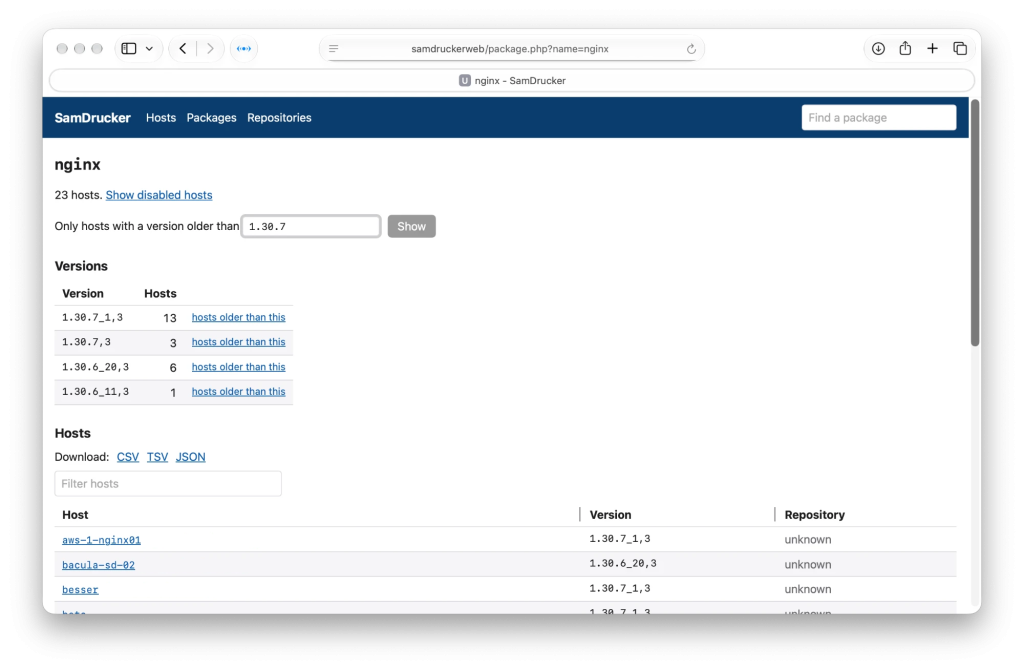
On this page, I typed 1.30.7 into the box, and clicked on Show. It takes the version the way the advisory writes it, too: nginx-1.30.7,3.
- The page now lists only the hosts with an older nginx: 7 of 23 hosts. In the Versions table, the older versions are marked older.
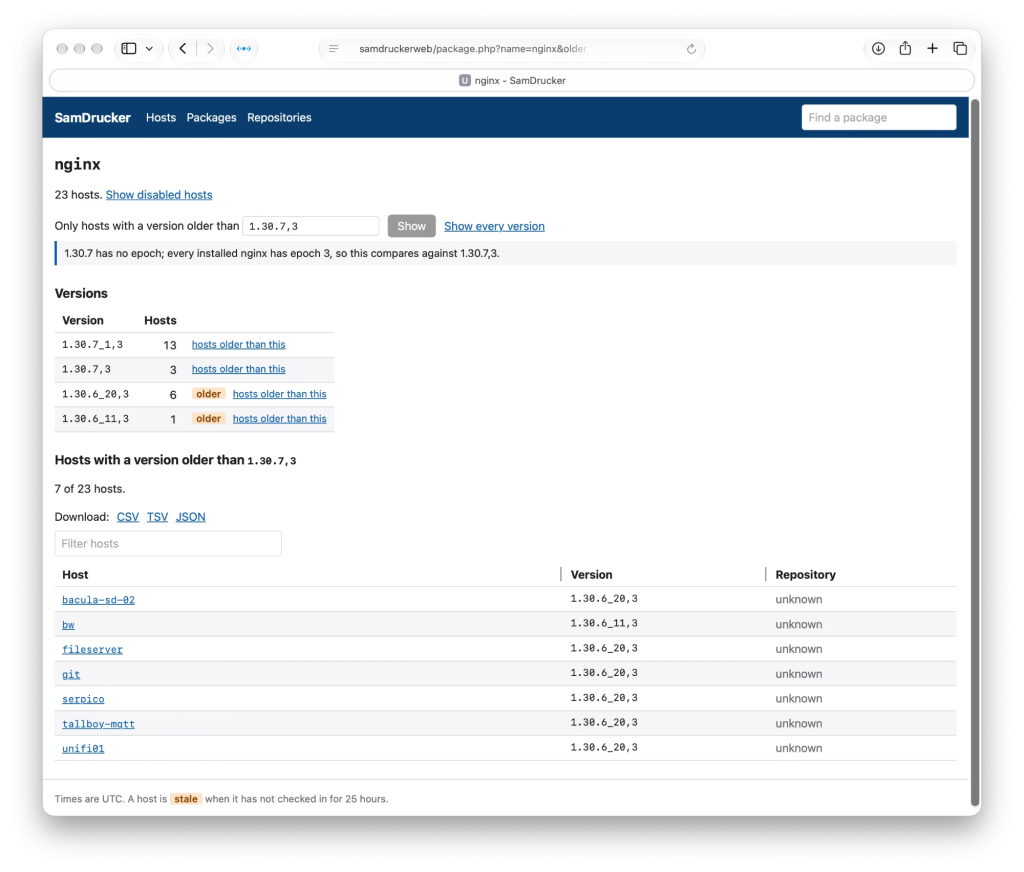
After clicking on Show, this is what I see. - Click TSV (or CSV, or JSON) to download that list. The download holds exactly the hosts on the page, in a file named hosts-with-nginx-older-than-1.30.7_3-20261120T193000Z.tsv.
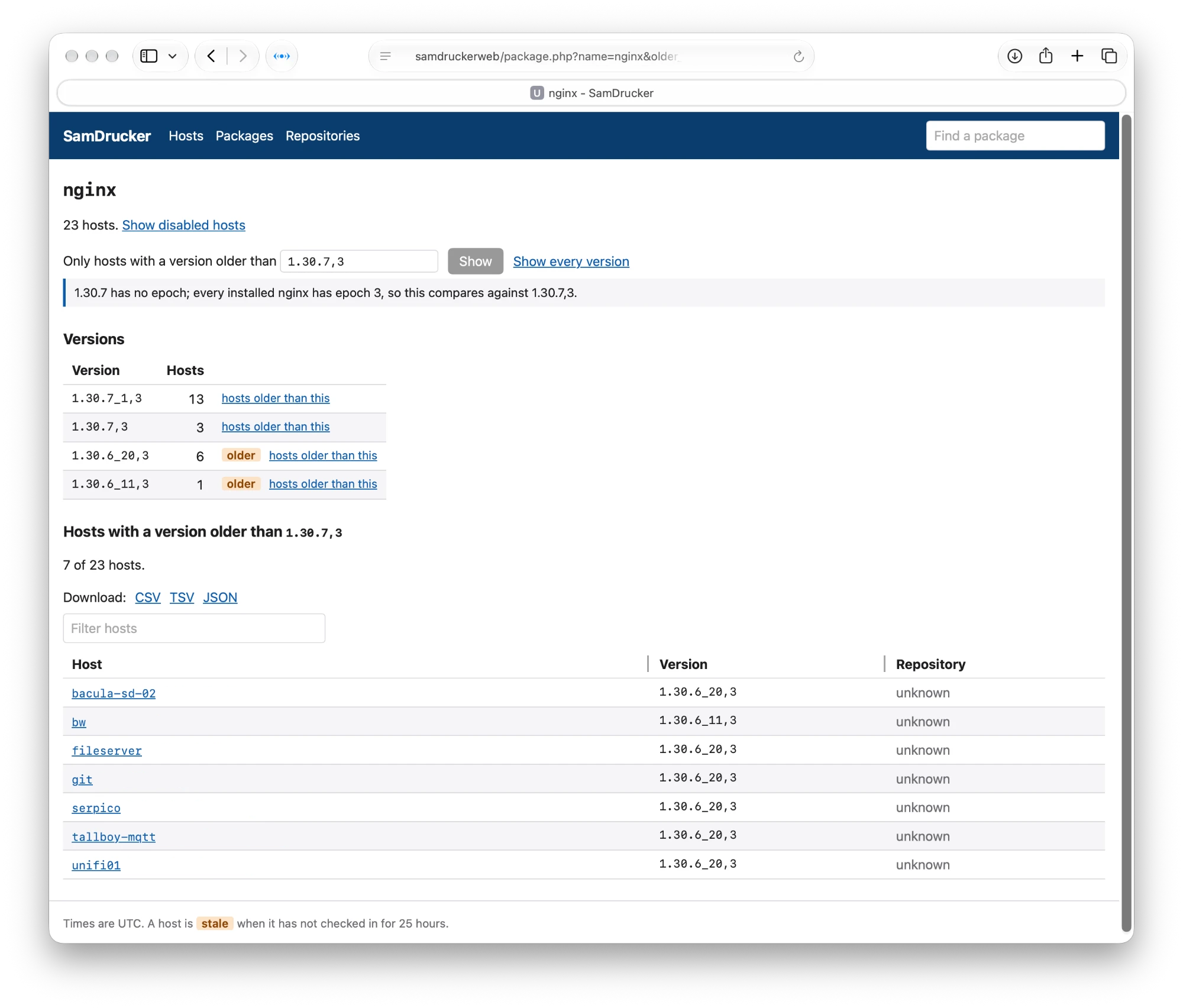
The website compares versions the same way pkg does, 1.30.7_1,3 included, so it gives the same seven hosts as pkg version -t. That’s no accident: the comparison is pkg’s own code, ported to PHP, and checked against pkg version -t on more than 35,000 pairs of versions contained in my database.
What’s the file look like?
The loaded TSV file looks like this:
[15:24 pro05 dvl ~/Downloads] % ls -lt | head -2
total 2954720
-rw-r--r--@   1 dvl  staff        403 Nov 20 15:24 hosts-with-nginx-older-than-1.30.7_3-20261120T202437Z.tsv
[15:24 pro05 dvl ~/Downloads] % cat hosts-with-nginx-older-than-1.30.7_3-20261120T202437Z.tsv
host	host_enabled	package	version	repository	url
bacula-sd-02.int.unixathome.org	true	nginx	1.30.6_20,3
bw.cssmpa.net	true	nginx	1.30.6_11,3
fileserver.int.unixathome.org	true	nginx	1.30.6_20,3
git.langille.org	true	nginx	1.30.6_20,3
serpico.int.unixathome.org	true	nginx	1.30.6_20,3
tallboy-mqtt.vpn.unixathome.org	true	nginx	1.30.6_20,3
unifi01.int.unixathome.org	true	nginx	1.30.6_20,3
[15:25 pro05 dvl ~/Downloads] %
Here’s a list of those hosts:
[15:25 pro05 dvl ~/Downloads] % cut -f 1 -w hosts-with-nginx-older-than-1.30.7_3-20261120T202437Z.tsv
host
bacula-sd-02.int.unixathome.org
bw.cssmpa.net
fileserver.int.unixathome.org
git.langille.org
serpico.int.unixathome.org
tallboy-mqtt.vpn.unixathome.org
unifi01.int.unixathome.org
And the same list, all on one like, for using in csshX:
=[15:25 pro05 dvl ~/Downloads] % cut -f 1 -w hosts-with-nginx-older-than-1.30.7_3-20261120T202437Z.tsv | xargs
host bacula-sd-02.int.unixathome.org bw.cssmpa.net fileserver.int.unixathome.org git.langille.org serpico.int.unixathome.org tallboy-mqtt.vpn.unixathome.org unifi01.int.unixathome.org
[15:25 pro05 dvl ~/Downloads] %
Hope this helps.
Other things